
WooCommerce
- Open WooCommerce → Settings → Advanced → REST API.
- Create a read-only key and copy the consumer key and secret.
- Save the HTTPS store URL and credentials, then sync. Source references prevent duplicates.
A flow built around real work: identify the source, confirm, prepare, dispatch, then verify payouts.
Choose a source for each store. Preserve original references and import orders without creating duplicates.


Codlivo is built around your team’s tasks. Explore the working foundation and the next operational modules.
Create stores, switch context, and prepare their Shopify, WooCommerce or Google Sheets order sources.
01 / STORESImport orders while keeping the store, source and original reference attached to every record.
02 / IMPORTSA planned confirmation queue separates new customers, scheduled callbacks and unreachable numbers.
03 / CONFIRMATIONEvery reference belongs to its store and source. Reimporting the same ID never creates a second order.
04 / DUPLICATESQuick Livraison is recommended: create your account, parcels and pickups in Codlivo, with tracking, invoices and PDF tickets. Other carriers are marked Coming soon.
05 / CARRIERSView Quick Livraison statuses and signed updates. Returns still require receipt and inspection.
06 / TRACKINGPlanned inventory distinguishes refused parcels, returns in transit and products physically received at your warehouse.
07 / STOCKPlanned COD reconciliation compares expected amounts, carrier fees and received payouts to surface differences.
08 / SETTLEMENTSPlanned operational roles separate confirmation, follow-up, inventory and supervision with appropriate access.
09 / ROLESAn MCP and OAuth foundation prepares assistant access to your stores and orders. External connections await the HTTPS domain.
010 / MCP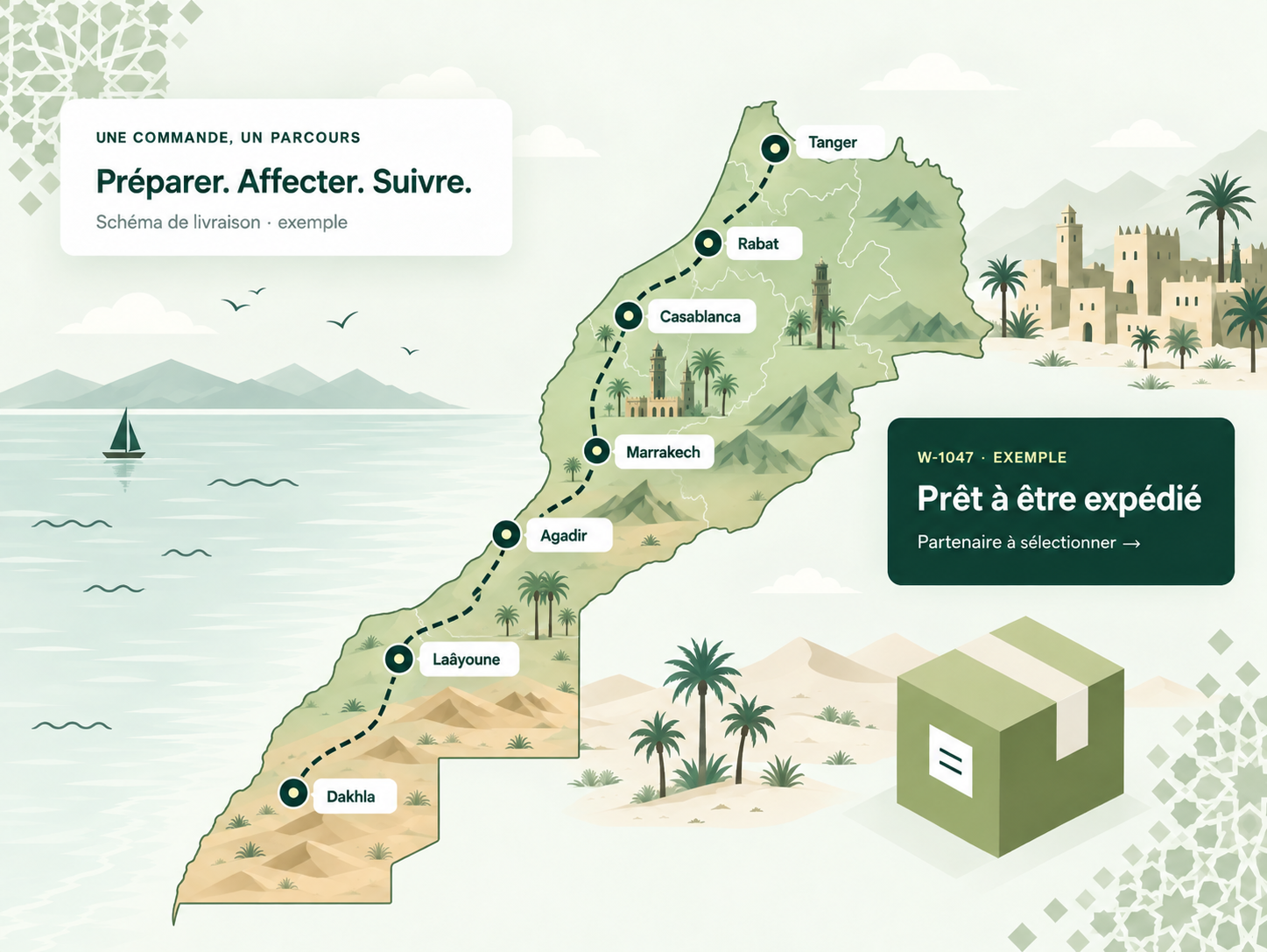
Select partners and follow their individual instructions. Every connection belongs to the correct store. Quick Livraison is available; other carriers are coming soon.
 Quick LivraisonRecommended
 CathedisComing soon
 SenditComing soon
 Ozone ExpressComing soon
 Colis PrivéComing soon
 SpeedafComing soon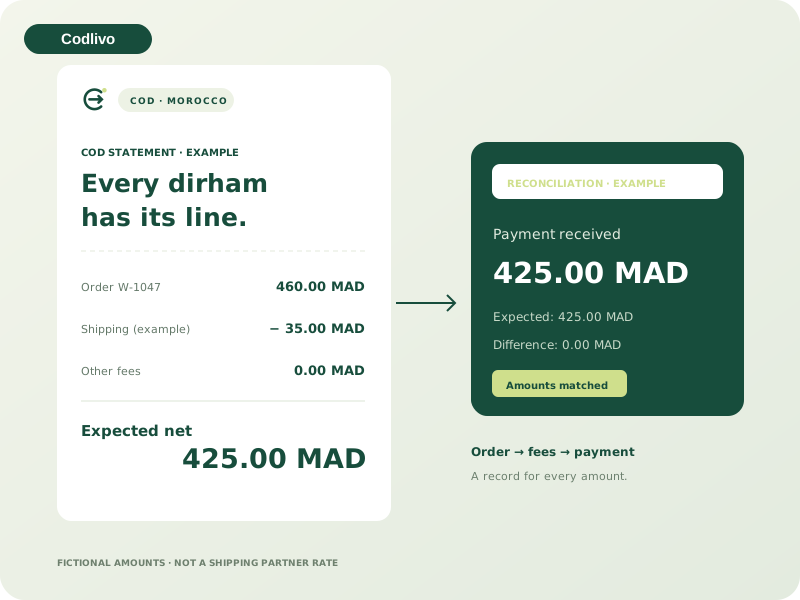
Planned COD reconciliation will separate expected amounts, fees, collected cash and received payouts. Differences will have a review queue and supporting evidence.
Compare expected amounts and payments received.
 ⇄✳
⇄✳MCP lets ChatGPT and compatible clients read your stores and orders with your permission. Read-only, revocable access, with no provider secrets shared.
Passport OAuth and tools are ready for testing. External connection follows the HTTPS domain launch.Yes. Your account belongs to a workspace that can contain multiple stores. The store selector keeps the correct context.
Quick Livraison is the recommended partner for integrated customer accounts, parcels, pickups, tracking, invoices and PDF tickets. Create an account or connect your customer key, then configure its webhook. Other carriers are coming soon.
The system provides configuration by store and source. Order reception and import are developed progressively; saved configuration does not mean an external sync is active.
They are proposed launch offers in MAD. Paid subscriptions and automatic charges are not enabled. Prices and capacities will be confirmed before billing.
MCP and OAuth authorization are being prepared for controlled access. External connections require the future HTTPS domain; an active ChatGPT connection is not advertised today.
Shipping, returns, messaging and other third-party fees are separate. No WhatsApp credits or carrier rates are promised without a provider agreement.
Create your workspace, add sources and choose partners. No payment card required.